
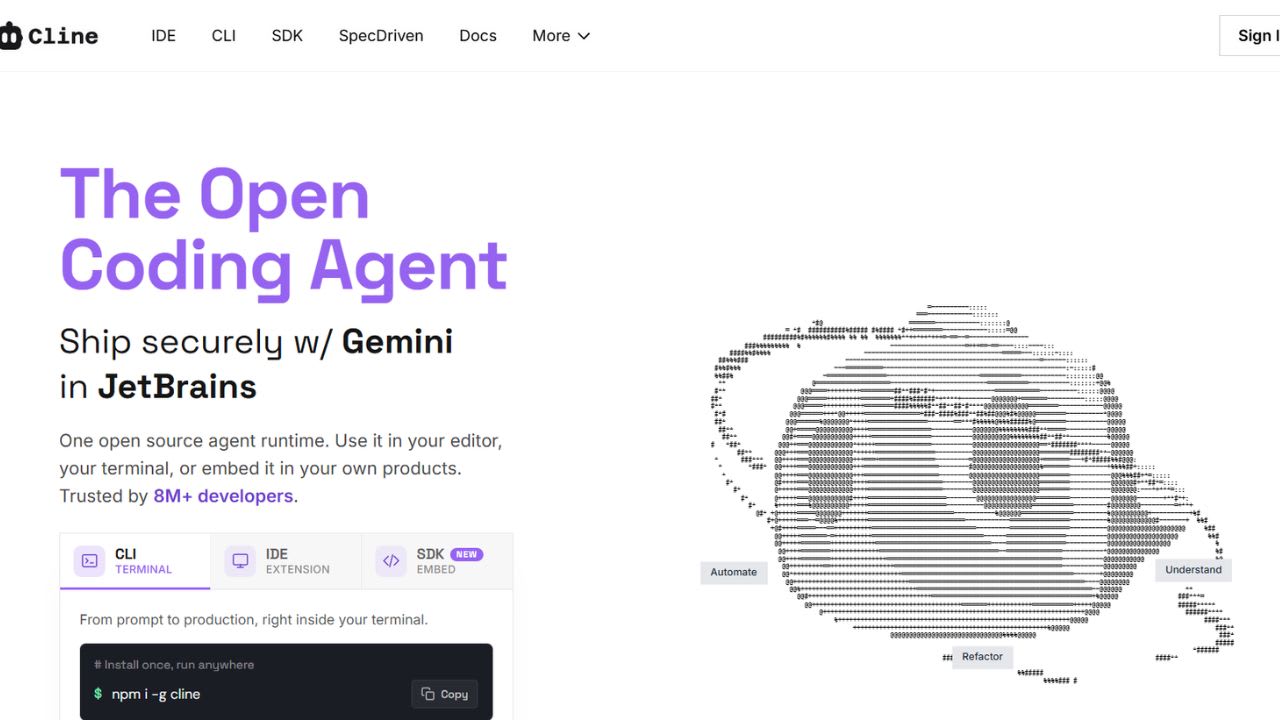
What is Cline?
Cline is an open-source coding agent that runs inside your code editor or terminal. You can install it as an extension for VS Code, Cursor, or JetBrains, or use the CLI for terminal workflows. It connects to models from Anthropic, OpenAI, Google Gemini, OpenRouter, AWS Bedrock, Azure, GCP Vertex, Cerebras, and Groq, as well as local runtimes like Ollama and LM Studio. You bring your own API keys and pay providers directly at their listed rates. Cline itself is free no subscriptions, no markups, and no hidden costs.
The agent can read files, write diffs, run shell commands, and browse the web. Every action requires your approval before it runs. A Plan/Act mode lets you define the task first, then watch execution step by step. Cline runs locally, so your code stays on your machine and never passes through its servers. It has over 5 million installs, and teams at SAP, Samsung, and other large enterprises use it under strict security policies. The GitHub repo is licensed under Apache 2.0, so teams can fully audit the code.
Top 5 Features of Cline:
- Plan and Act Dual Mode: Cline splits work into two phases. Plan mode explores code and designs the approach. Act mode makes actual changes. It reads ASTs, runs searches, and drafts a plan first. You review and adjust before any edits happen. This reduces wasted iterations by confirming scope upfront.
- Model-agnostic Support with Cost Tracking: You choose the model. Cline works with major providers, OpenAI-compatible endpoints, and local runtimes like Ollama or LM Studio. It tracks tokens and API costs per request and for the full task. You see exactly what each step costs. There’s no subscription between you and the provider, and you can switch models anytime.
- Client-side, Zero-trust Architecture: Your code stays on your machine. Cline uses your API keys locally, so nothing passes through its servers. This design works well for strict security environments. It’s fully open source under Apache 2.0, so you can audit everything.
- Approval-gated Edits With Auto-recovery: Cline shows a diff before making changes. You can approve, edit, or reject each one. Terminal commands follow the same flow. It also watches for linter or compiler errors and fixes them during the process. A file timeline lets you revert changes in one click.
- MCP Integration and CLI Workflows: Cline supports the Model Context Protocol to connect with external tools like databases, APIs, and internal systems. The CLI runs in your terminal with support for parallel agents and headless workflows. You can use it in CI/CD, cron jobs, or multi-session setups.
Cline FAQs
Similar Tools like Cline

Continue gives software teams a way to enforce engineering standards without slowing down code review. The too…

Cursor is a code editor made by Anysphere. It places AI in the center of the development workflow. Its homepag…

AutoRegex, is a code assistant and developer tool enhanced by AI, simplifying the task of producing Regex and …

Junie is an AI coding agent built by JetBrains. It runs inside JetBrains IDEs such as IntelliJ IDEA, PyCharm, …

Lovable is a chat-based app builder that converts plain-English prompts into working web applications. Lovable…

Tabby is an open-source coding assistant that runs on your own hardware. It works as a self-hosted alternative…

Claude Code is Anthropic’s coding tool that works in your terminal and connects to your IDE. You describe a ta…

Aider brings pair programming straight into your terminal. Paul Gauthier built this open-source tool to connec…
Ready to try Cline?
Discover what Cline can do for you.
Try Cline nowCline reviews from real users
Verified visitor reviews — one per person, edits welcome.
Loading reviews…