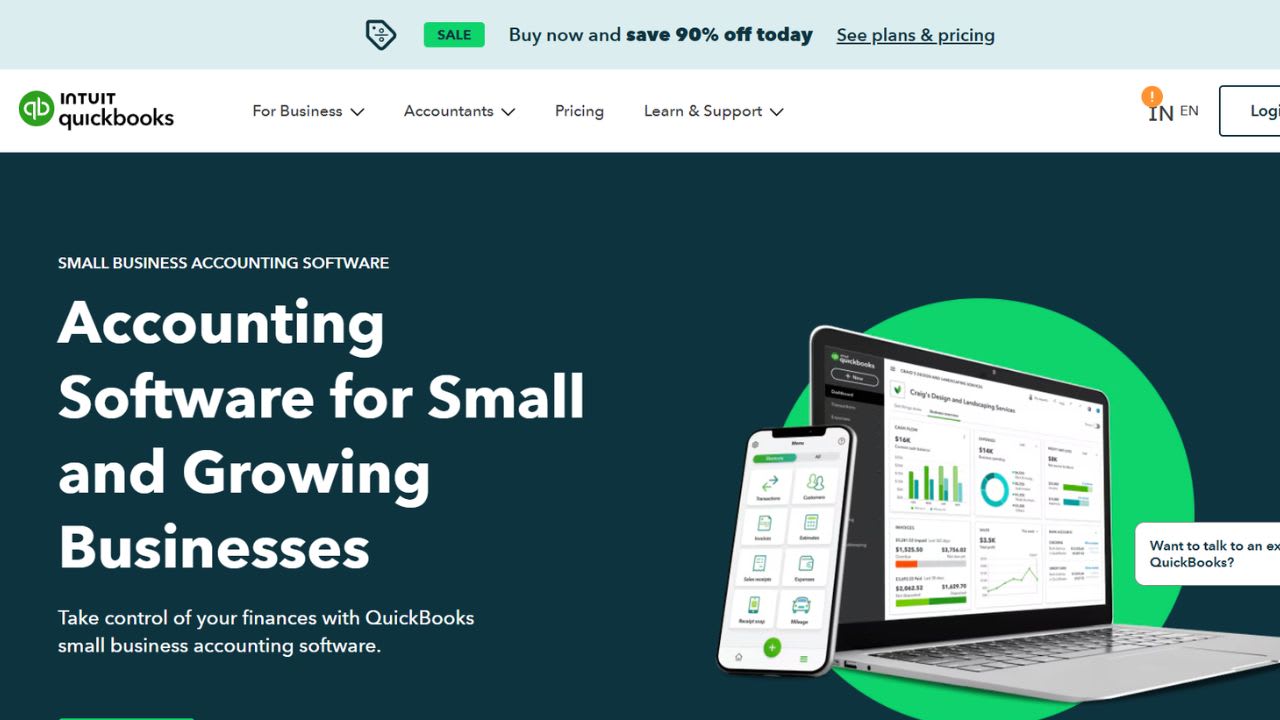
What is QuickBooks AI?
QuickBooks now runs Intuit Assist and a growing set of specialized AI agents directly inside its accounting platform. These tools automate many bookkeeping tasks that small business owners usually leave until the end of the month. The accounting AI can categorize transactions, reconcile bank feeds, and flag unusual activity for review. Sales Tax AI applies the correct tax rate to products and identifies filing problems before submission. Payments AI creates smart invoice reminders designed to improve collection speed, while Payroll AI gathers time-tracking data, detects inconsistencies, and alerts administrators through text notifications.
The platform also includes Finance AI, which generates month-end summaries in a centralized dashboard, and Project Management AI, which uses historical performance data and industry benchmarks to suggest profitability targets. All of these tools operate through Intuit Intelligence, a conversational AI layer that lets users ask business questions in plain language. For example, owners can ask questions like “What’s driving my profit?” and receive answers based on their own financial data.
QuickBooks still keeps human oversight in place through QuickBooks Live, where accountants and business owners review AI-generated recommendations before approving actions. According to Intuit, customers using these AI features save around six hours per month and complete account reconciliation nearly three times faster. In 2025, the company rebuilt much of the QuickBooks experience around these AI agents, making it the platform’s biggest redesign in more than a decade.
Key Features of QuickBooks:
- Accounting AI for Transaction Work: This agent reconciles accounts about three times faster than manual review. It compares PDF bank statements against recorded transactions, identifies discrepancies, and suggests fixes inline. It also texts you the moment a credit card swipe needs a receipt and sends “magic links” to clients for missing documents. Anomaly detection flags significant period-over-period changes on reports so errors get caught early. Available from QuickBooks Essentials and up.
- Sales Tax AI: The agent applies the correct sales tax rate to each product or service you sell, then watches for filing issues before submission. It surfaces suggested fixes alongside flagged problems, which keeps you compliant without forcing a deep dive into state-by-state rules. This feature sits inside QuickBooks Plus and higher tiers.
- Payments AI With Smart Invoice Reminders: Payments AI studies your billing patterns and drafts personalized reminders for overdue invoices. Intuit’s beta data showed customers using these reminders got paid five days sooner on average, a 45% improvement over standard nudges. The agent also recommends payment strategies for collecting cash faster and improving overall flow.
- Intuit Intelligence Chat: A conversational layer sits on top of your books. You type plain-English questions like “what drove my profit last quarter?” or “which invoices are overdue?” and the system pulls contextual answers from your own data. It also acts as a gateway to other AI agents and human experts inside QuickBooks Live, so you can escalate when needed.
- Finance AI and Project Management AI: Finance AI ships board-ready monthly summaries on a single dashboard, so you skip the report-building grind. Project Management AI sets profitability targets using your historical data and peer benchmarks, cutting project setup work by about 69% per Intuit’s internal measure. Both require the Advanced plan.
Verdict
QuickBooks with Intuit Assist works best for established small and mid-sized businesses already running their books inside the platform. The agents shine when your data is clean and connected, because they learn from your own categorization habits and transaction history. The system also keeps a human in the chair for sign-off, which calms the usual nerves about handing financial decisions to software.
Best For: Service-based businesses, retail operations, and accounting firms that bill clients monthly, want bookkeeping handled in the background, and need quick month-end visibility without hiring a full-time finance person.
Weakness: The full AI stack sits behind paywalls. Simple Start and Essentials users get only basic features. Finance AI, Project Management AI, and the Customer agent require Plus or Advanced plans, which range from $115 to $275 per month and price out the smaller operators who often need automation the most.
QuickBooks AI FAQs
Similar Tools like QuickBooks AI

Puzzle is an AI-powered accounting platform built for startups and growing firms, designed to replace traditio…

Finaloop is an ecommerce-focused accounting platform that combines bookkeeping software with a dedicated accou…

Rillet is an AI-native ERP designed for fast-growing SaaS and subscription companies. It replaces legacy syste…

Vic.ai is an AI-powered accounts payable platform created to help finance teams process invoices faster while …

Zoho Books is a cloud-based accounting platform designed for Indian small businesses, freelancers, and growing…

Xero is accounting software built for small businesses, sole traders, and bookkeepers. The platform connects t…

BILL is a financial management platform that helps businesses handle payments, invoices, expenses, and cash fl…

Ramp is a finance automation software that combines corporate cards, expense tracking, bill payments, procurem…
Ready to try QuickBooks AI?
Discover what QuickBooks AI can do for you.
Try QuickBooks AI nowQuickBooks AI reviews from real users
Verified visitor reviews — one per person, edits welcome.
Loading reviews…