
What is GitHub Copilot?
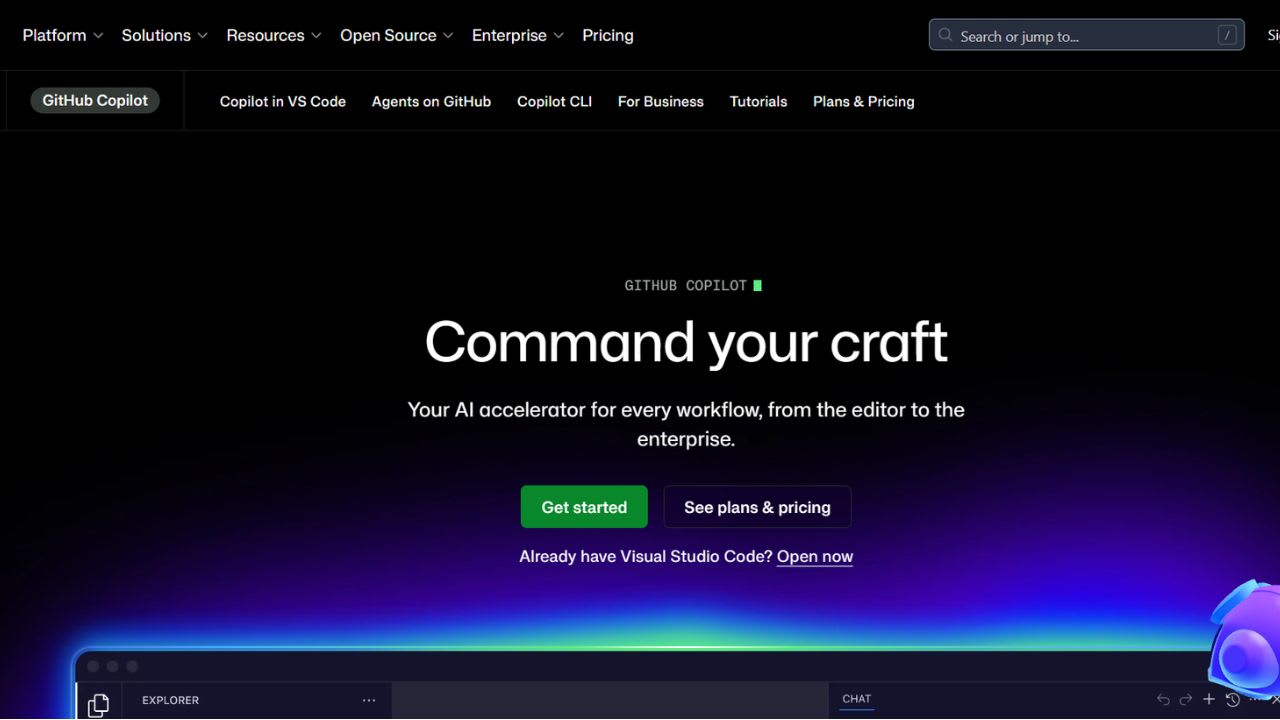
GitHub Copilot positions itself as “your AI accelerator for every workflow, from the editor to the enterprise.” Microsoft and GitHub built the tool to work where developers already write code inside the IDE, on the command line, and across github.com. The product reads your file context, suggests completions, runs longer changes through agent mode, and hands off bigger tasks to a cloud agent that works in the background.
There are three main plans for individual users. The Free plan costs $0 per month and includes 50 agent or chat requests, 2,000 code suggestions, access to the Copilot command line tool, and basic AI models like GPT-5 mini. The Pro plan costs $10 per month. It adds more features like a cloud agent, code review help, unlimited agent mode using GPT-5 mini, 300 premium requests, and access to models from OpenAI, Anthropic, and Google. The Pro+ plan costs $39 per month and gives full access to all models, including advanced ones like Claude Opus 4.7, plus GitHub Spark.
Companies like Duolingo, Shopify, Stripe, and Mercado Libre use Copilot. Some users report big productivity gains. However, GitHub has recently paused new sign-ups for Pro and Pro+ plans and added stricter usage limits, so new users may need to wait, and existing users should check updated limits before renewal.
Top 5 Features of GitHub Copilot:
- Multiple AI models in one tool: The product lets you choose between leading LLMs optimized for speed, accuracy, or cost. Free covers Haiku 4.5 and GPT-5 mini for everyday work. Pro opens Claude and Codex variants from Anthropic, Google, and OpenAI. Pro+ unlocks the full lineup, including Claude Opus 4.7. You can switch models per chat or per task.
- Help inside your code editor (agent mode): Copilot helps you while you write code. It suggests lines and functions as you type. For bigger tasks, agent mode can work across multiple files, explain code, suggest changes, and check if everything works. It works in tools like VS Code, Visual Studio, JetBrains, Eclipse, and Xcode.
- Cloud agent for background tasks: You can give Copilot a task and let it handle the work in the background. It can plan the work, edit files, and even create a pull request for review. You can assign it a GitHub issue and check the results later.
- Terminal (CLI) support: Copilot also works in the command line. You can type simple instructions, and it will run commands and complete tasks for you. You can start work on your computer and continue it later on GitHub or even on your phone.
- Connections and team features: Copilot can connect to other tools and your own systems. Teams can add their documents and code so the AI understands the same context. Admins can also track what the AI has done for safety and control.
GitHub Copilot FAQs
Similar Tools like GitHub Copilot

Spellbox is an AI programming assistant tool that uses artificial intelligence to assist developers in coding.…
Gemini Code Assist is Google’s AI coding tool created for solo developers. The free Individual plan requires n…

Continue gives software teams a way to enforce engineering standards without slowing down code review. The too…

Bolt AI is a browser-based app builder from StackBlitz that turns plain English prompts into working full-stac…

AI Code Converter is a versatile tool designed to transform natural language or existing code into the syntax …

Cline is an open-source coding agent that runs inside your code editor or terminal. You can install it as an e…

Pieces acts like a memory layer that runs directly on your computer. It tracks activity across browsers, code …
Lovable is a chat-based app builder that converts plain-English prompts into working web applications. Lovable…
Ready to try GitHub Copilot?
Discover what GitHub Copilot can do for you.
Try GitHub Copilot nowGitHub Copilot reviews from real users
Verified visitor reviews — one per person, edits welcome.
Loading reviews…