What is Gemini Code Assist?
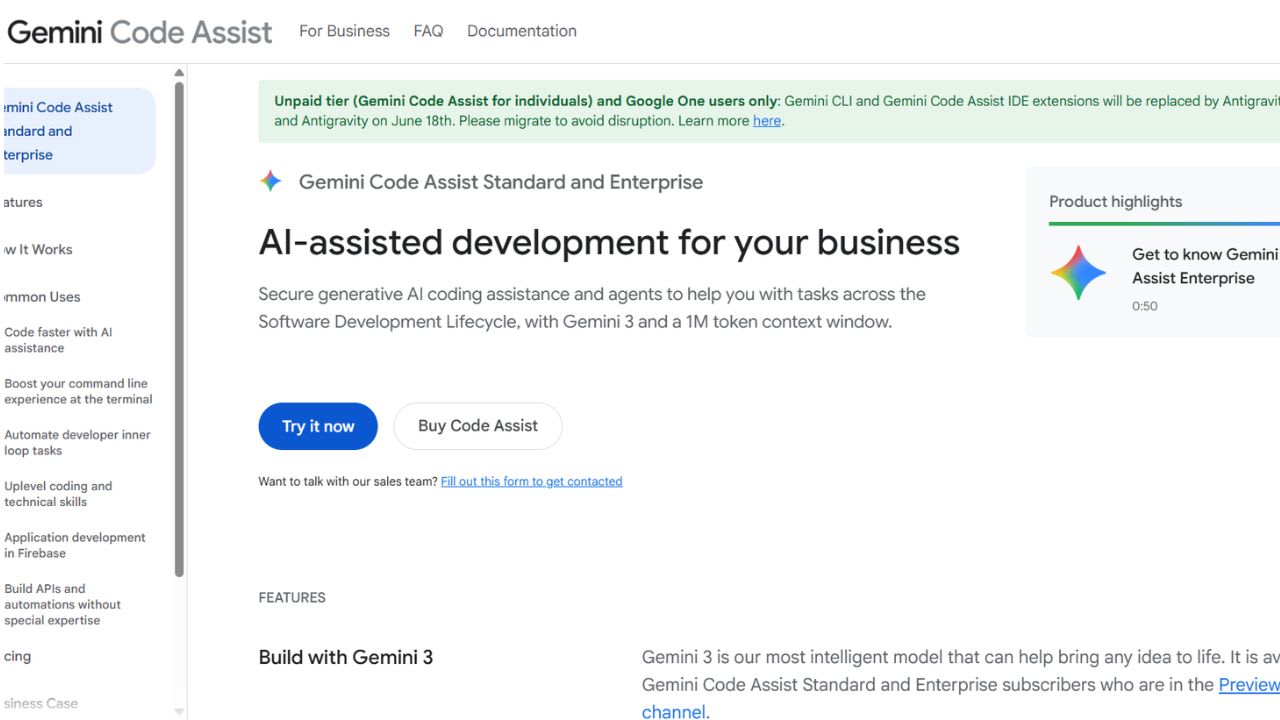
Gemini Code Assist is Google’s AI coding tool created for solo developers. The free Individual plan requires no credit card and works with a personal Google account. It integrates with multiple environments, not just one editor. You can use it in VS Code, JetBrains IDEs, and Android Studio, through the Gemini CLI in your terminal, on GitHub for pull request reviews, in Firebase Studio for app development, and in Google Cloud Shell Editor for quick prototyping.
The tool is built on Gemini 2.5 and supports a large context window for both code generation and chat. The free tier includes generous daily limits: 6,000 code completions per day, 240 chat messages per day, 1,000 requests per day via Gemini CLI, and 1,000 requests per day in Agent Mode. It also includes GitHub code review support. It works across major languages like Python, JavaScript, Go, Java, Kotlin, and others.
It’s aimed at solo developers, students, hobbyists, and indie builders who want a capable AI coding assistant at no cost. The free plan uses the same core models as the paid Standard tier, so output quality remains strong. However, some advanced features like private repository customization are only available in paid plans.
5 Key Features of Gemini Code Assist:
- Wide Platform Reach Across Tools: Gemini Code Assist runs in VS Code, JetBrains IDEs like IntelliJ and PyCharm, Cloud Workstations, and Android Studio. It also works in the terminal through Gemini CLI. It connects to GitHub for pull request reviews. It supports Firebase Studio for app building. It also runs in Google Cloud Shell Editor for quick testing. One Google sign-in links all tools. One account follows the user across projects. No extra setup is needed.
- Gemini CLI in the Terminal: The Individual plan gives free access to Gemini CLI. The CLI runs as an open-source command tool. It reads code and edits files. It runs commands and fixes issues in the terminal. It allows 1,000 model requests per day. Developers use it in Vim, Neovim, or tmux. Developers avoid IDE chat panels with this tool. The workflow stays inside the terminal.
- Agent Mode for Bigger Tasks: Agent Mode handles work across many files. The user gives one instruction. The system breaks the work into steps. The system edits files and checks results. The plan includes 1,000 agent requests per day. The mode supports feature work across a codebase. The mode supports refactoring across modules. The mode reduces manual file-by-file edits.
- GitHub Pull Request Reviews: The Gemini Code Assist app connects to GitHub repositories. The system reviews pull requests automatically. The system writes comments on code changes. The system flags bugs and style issues. The system checks code quality in diffs. Solo developers get review support before merging. The feature works for personal and open-source projects. The feature stays free on the Individual plan.
- Large Context Window and Language Support: Gemini Code Assist uses Gemini 2.5. The system reads large parts of code at once. The system keeps chat context across long sessions. The system supports Python, JavaScript, TypeScript, Go, Java, Kotlin, C, C++, C#, Ruby, Rust, PHP, and SQL. The system also reads YAML, JSON, Dockerfile, and Terraform files. The wide context helps with multi-file refactoring. The system improves consistency across changes.
Gemini Code Assist FAQs
Similar Tools like Gemini Code Assist

Pieces acts like a memory layer that runs directly on your computer. It tracks activity across browsers, code …
Tabnine is an AI coding assistant that helps developers write software faster and with more reliable context. …
v0 by Vercel is a collaborative assistant that helps you build full-stack apps, agents, and websites through n…

Junie is an AI coding agent built by JetBrains. It runs inside JetBrains IDEs such as IntelliJ IDEA, PyCharm, …

Replit launched Agent 4 as its fastest and most versatile coding agent yet. The release dropped alongside a $4…

GitHub Copilot positions itself as “your AI accelerator for every workflow, from the editor to the enterprise.…

Windsurf is a coding assistant built by Cognition AI for individual developers who want to ship faster without…

Continue gives software teams a way to enforce engineering standards without slowing down code review. The too…
Ready to try Gemini Code Assist?
Discover what Gemini Code Assist can do for you.
Try Gemini Code Assist nowGemini Code Assist reviews from real users
Verified visitor reviews — one per person, edits welcome.
Loading reviews…