
What is Claude Code?
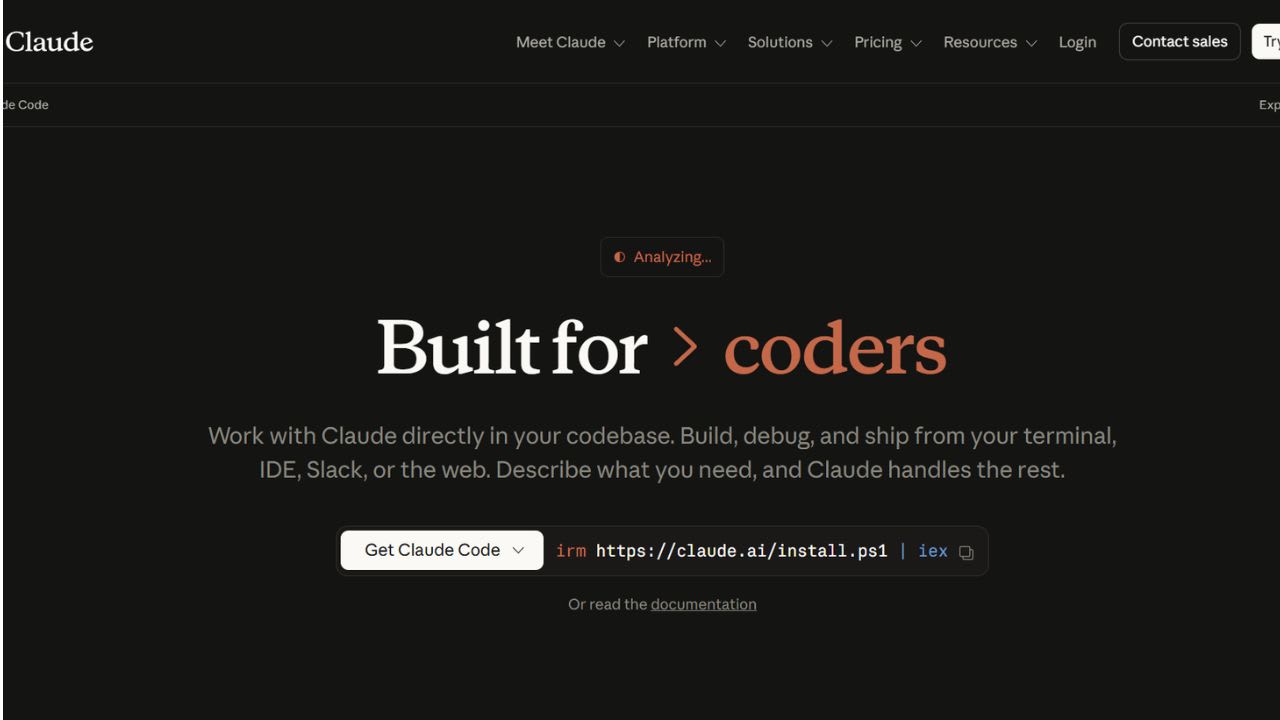
Claude Code is Anthropic’s coding tool that works in your terminal and connects to your IDE. You describe a task in plain language, and Claude does the rest. It can read your codebase, plan steps, edit files, run tests, and even open pull requests.
There are three main plans for individual developers. The Pro plan costs $17/month (billed yearly) or $20 monthly, and works well for short projects or smaller repos. Max 5x costs $100/month and is better for daily work in bigger codebases. Max 20x at $200/month is designed for heavy users. All plans include access to Sonnet 4.6 and Opus 4.7. You can also use a pay-as-you-go option through the Claude API with standard token pricing.
Claude Code runs on macOS, Linux, and Windows. It also has extensions for Visual Studio Code, Cursor, Windsurf, and JetBrains IDEs. You can even send tasks from the Claude iOS app and come back to a completed pull request. Before making changes or running commands, it asks for approval, so you stay in control. Teams at Ramp, Notion, Stripe, Shopify, Figma, and NASA already use it in production.
5 Key Features of Claude Code:
- Codebase Mapping with Agentic Search: Claude Code scans your entire project in seconds and understands how files connect. You don’t need to select context files manually. A new developer can type “explain this codebase” and get a clear summary of the architecture, components, tech stack, and data flow.
- Coordinated Multi-file Edits: It can update multiple files at once while keeping everything consistent. For example, it can rename a function, update all references, fix imports, and adjust tests in one go. After each update, it runs builds and tests, checks errors, and keeps iterating until everything passes.
- Phone-to-pull-request Workflow: You can send a task from the Claude iOS app, like fixing a bug or adding a feature. Your local machine handles the code changes, runs tests, and opens a pull request. You just review the final diff. This feature is currently in research preview for Pro and Max plans.
- Permission Controls for Every Action: Claude asks for approval before editing files or running commands. You can approve step-by-step, allow certain safe actions, or enable Auto mode for longer runs. By default, it stays cautious to avoid unwanted changes.
- Multiple Ways to Use the Agent: You can run Claude Code from the terminal, desktop app, web, or tools like Visual Studio Code and JetBrains IDEs. It also works with the iOS app and Slack. Through MCP servers, it connects to your existing tools like deployment platforms, databases, monitoring systems, and version control, so you don’t need to change your setup.
Claude Code FAQs
Similar Tools like Claude Code

Aider brings pair programming straight into your terminal. Paul Gauthier built this open-source tool to connec…

Codiga is a cutting-edge static code analysis tool designed to enhance the quality of your codebase. Integrate…

Continue gives software teams a way to enforce engineering standards without slowing down code review. The too…

Amazon Q Developer is a coding assistant from AWS. It can write code, fix bugs, and refactor code inside your …

Cheat Layer is an AI-powered coding assistant tool designed to solve complex business automation problems. It …

Tabby is an open-source coding assistant that runs on your own hardware. It works as a self-hosted alternative…

Tabnine is an AI-powered code completion assistant that aims to boost the efficiency and quality of software d…

GitHub Copilot positions itself as “your AI accelerator for every workflow, from the editor to the enterprise.…
Ready to try Claude Code?
Discover what Claude Code can do for you.
Try Claude Code nowClaude Code reviews from real users
Verified visitor reviews — one per person, edits welcome.
Loading reviews…